
structure
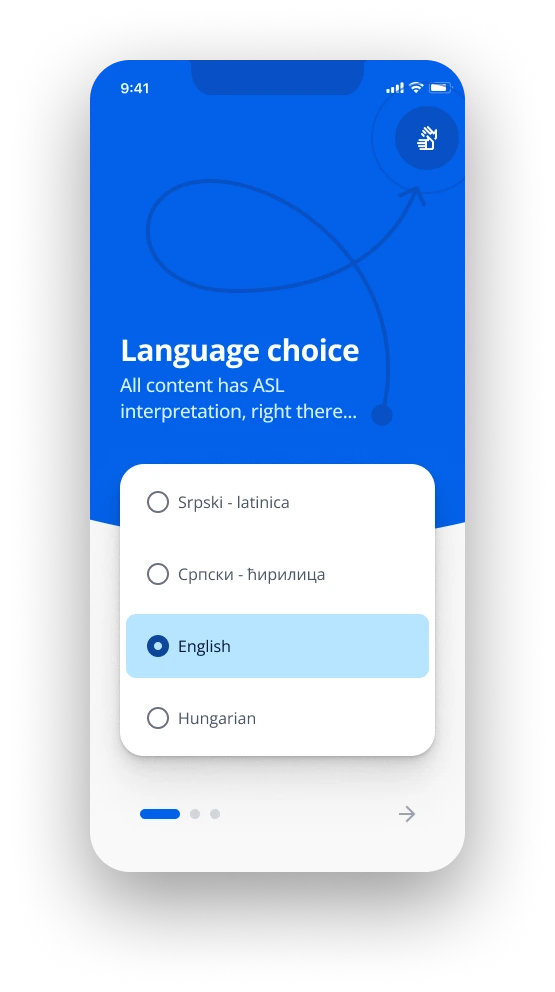
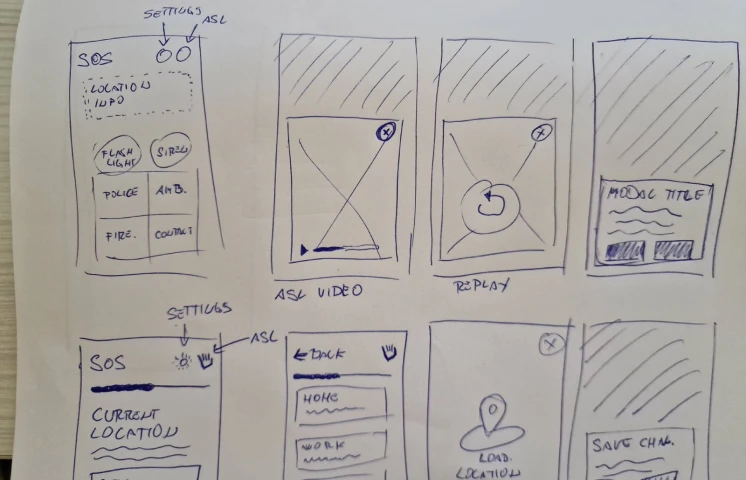
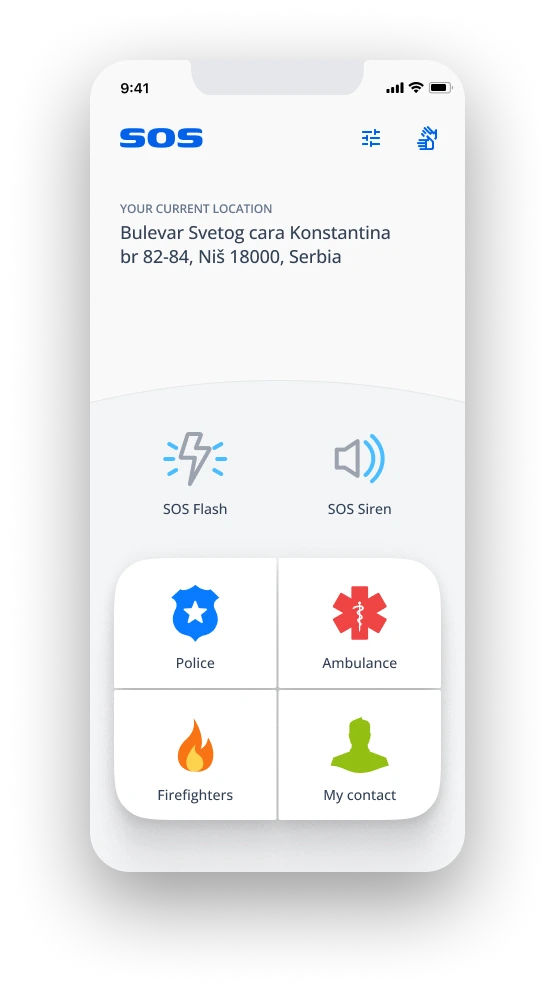
Every function important for fast reaction and easy reach is positioned on the bottom half of the screen, and of course, everything is neatly translated into ASL using short videos.

Mobile app 4 Android & iOS
HTEC group project 2023
Official statistics state that there are over 70,000 people with hearing and/or speaking impairment in Serbia alone, and many more in surrounding countries.
Emergency services in the Balkan states usually don't have the infrastructure to receive distress messages from someone who can't speak or has any issue conveying distress through audio medium.
If the distress call is made by an interpreter or assistant who is not present (eye witness), can be easily dismissed as a false positive in emergency services or dismissed as a case in court of law.
Create a simple app, with user flows that are as short as possible, straightforward language, and concise expressions.
Overcome infrastructure challenges in partnership with all emergency services and telecommunication companies.
Empathize
Domain Research
Market Research
Define
User interviews
Interview analysis
Ideate
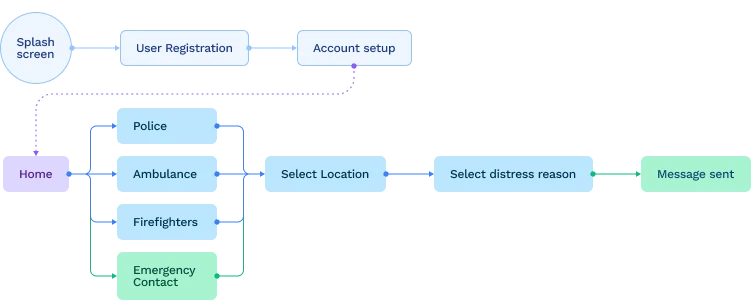
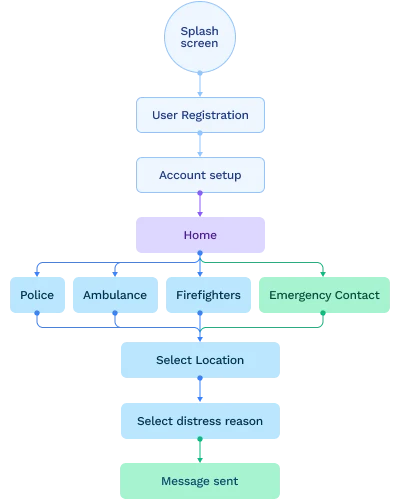
User flows
Information architecture
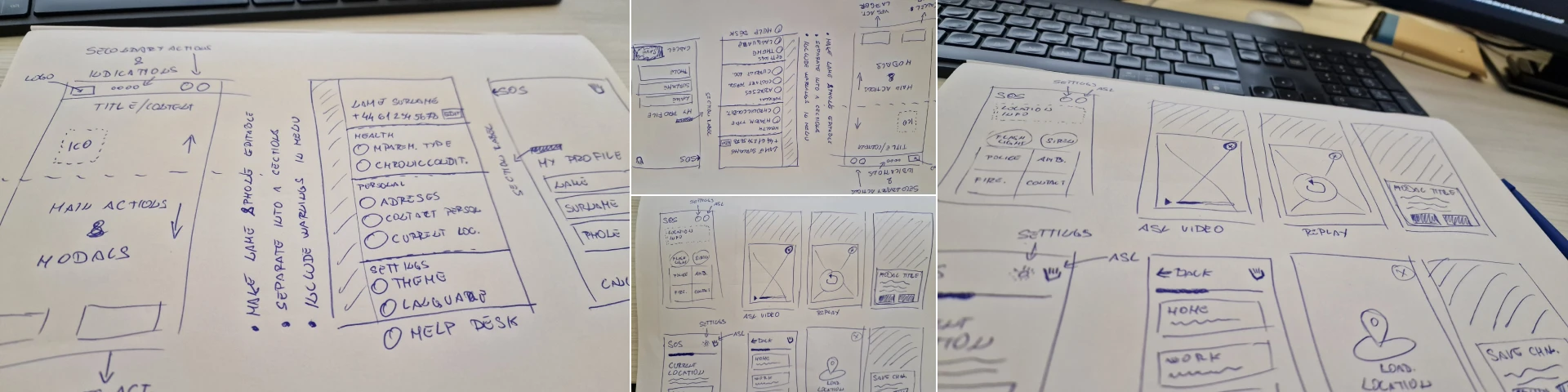
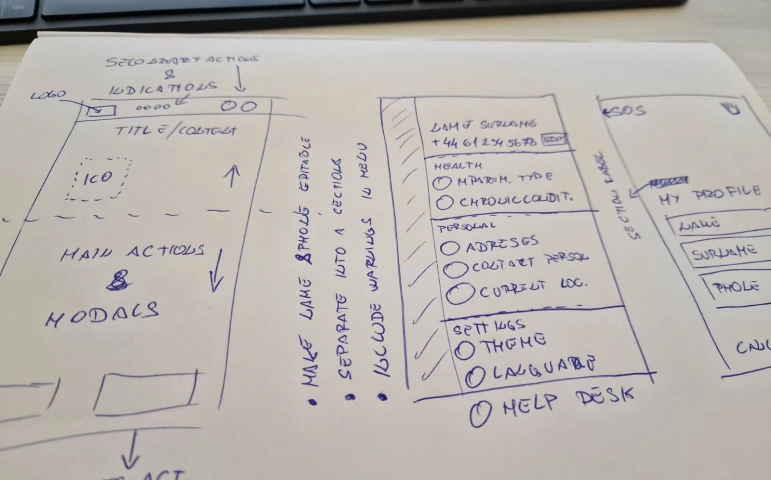
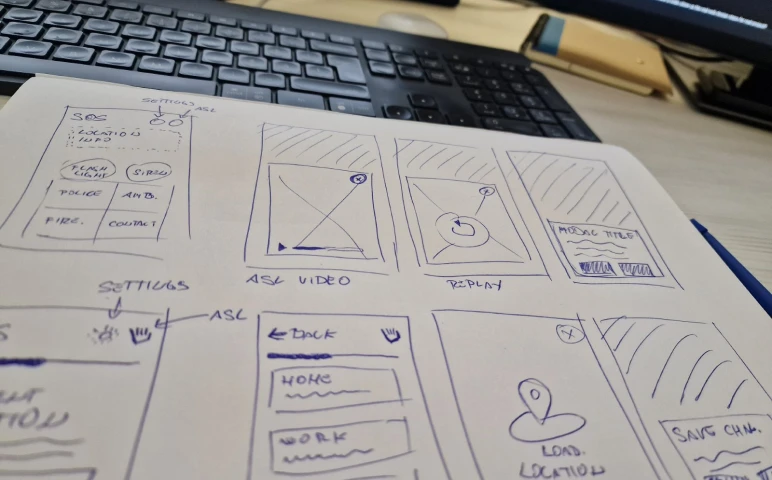
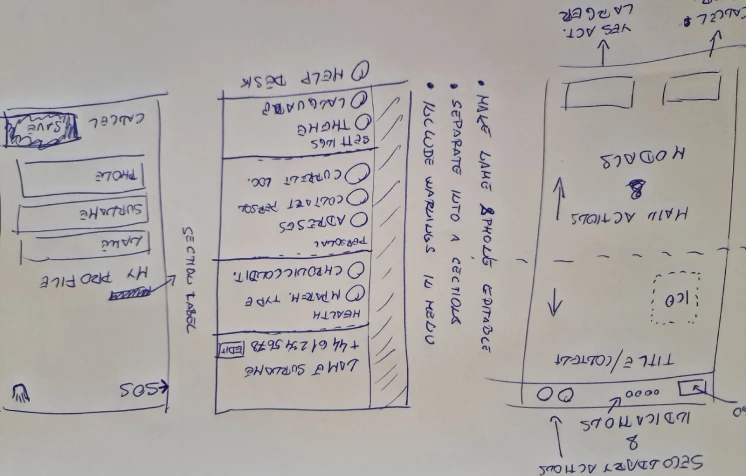
Lo-Fi Sketches
Prototype
Hi-Fi design
Prototypeing
Validate
User testing
Analyzing feedback
Applying changes
Main findings through user interviews and meetings with:
Users usually have one or a combination of more impairments with chronic sickness.
They grew up with their impairments, so those users are very crafty and resourceful.
Most people with speaking/hearing impairments who have been in a situation that would require the assistance of emergency services have had bad experiences.
On any sign of distress by default, they try to contact their interpreter (ASL translator) or personal assistant avoiding emergency services.
Human behavior in emergency situations is highly unpredictable, even for trained people. People freeze and panic unable to react.
Schools for people with hearing and speaking impairments are doing their absolute minimum to teach literature so legal or complex terms are challenging to grasp when reading.
The users usually avoid writing messages because they don't feel comfortable making a lot of grammar mistakes and it won't be understood the way they intended.
The ASL language contains letters of the alphabet but it's hard and impractical to form the words using this method.
People usually use the whole upper body and with just a couple of coordinated moves of hands and facial expressions, they are able to form and convey a complete sentence.
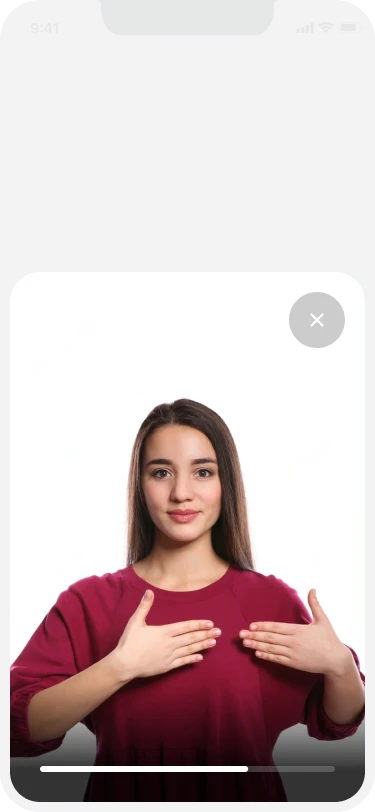
Every function important for fast reaction and easy reach is positioned on the bottom half of the screen, and of course, everything is neatly translated into ASL using short videos.
The SOS app is composed of a few main sections: onboarding & language choice, registration & validation, profile setup, settings, and sending an SOS to emergency service of the user's needs.
splash screen
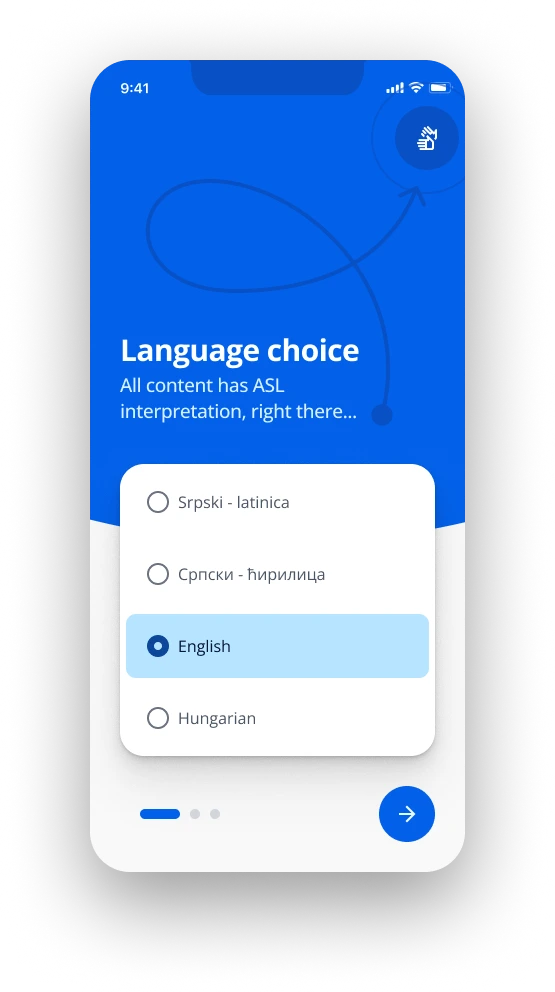
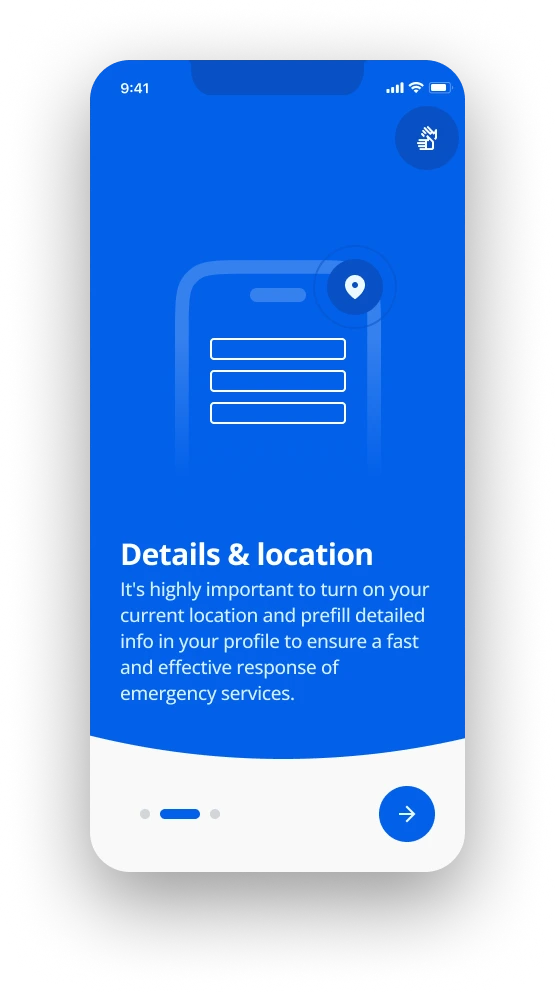
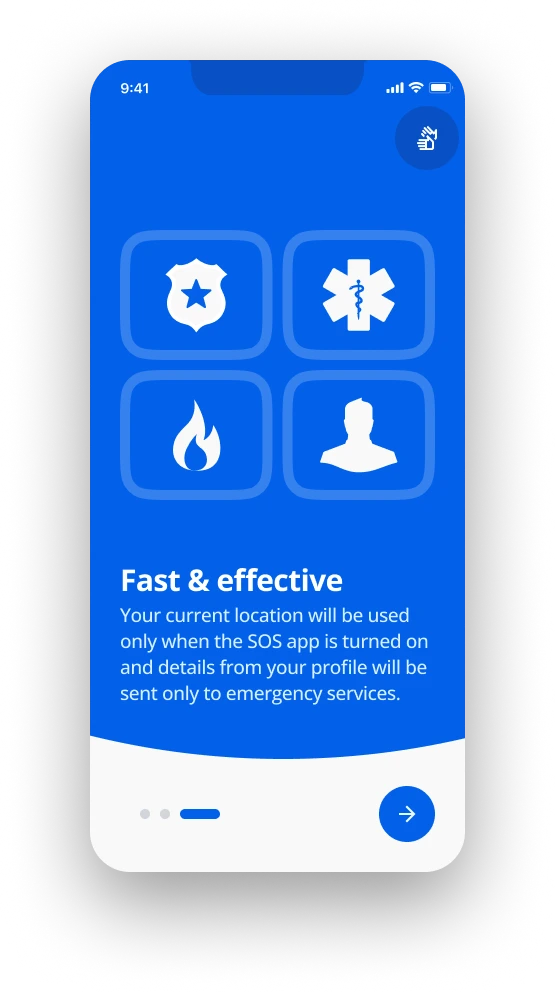
onboarding
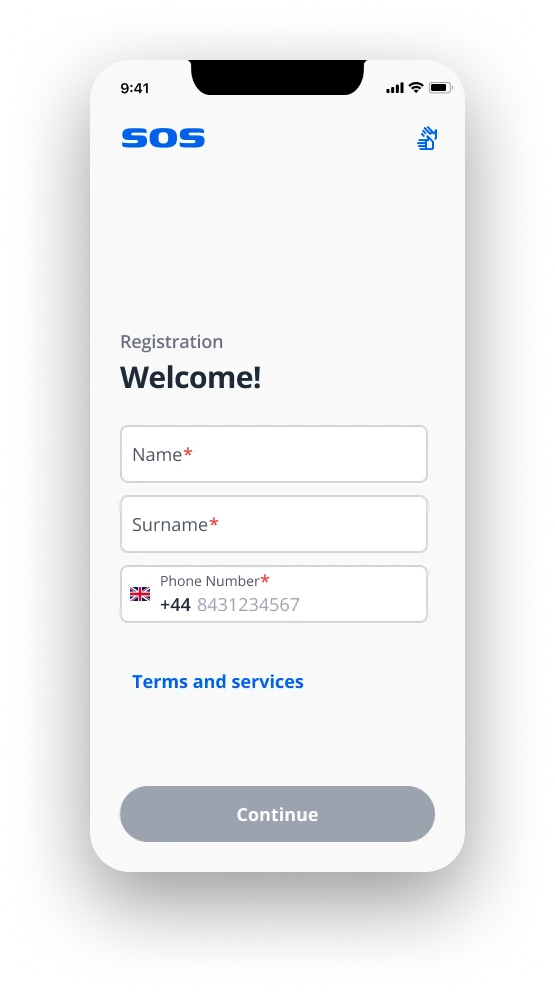
registration
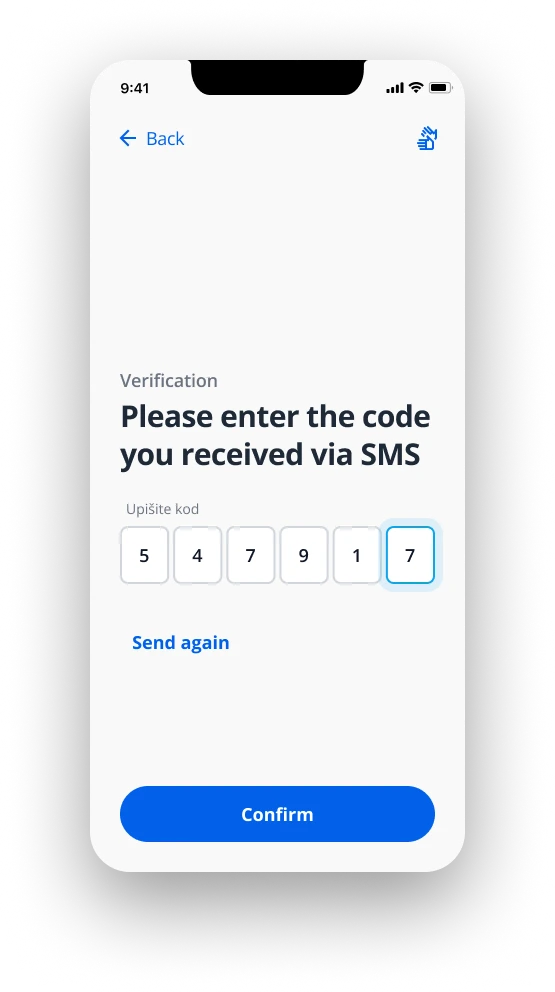
verification
The point of the profile setup is to pre-fill all the answers that the user would be answering to the emergency services on a regular phone-call.
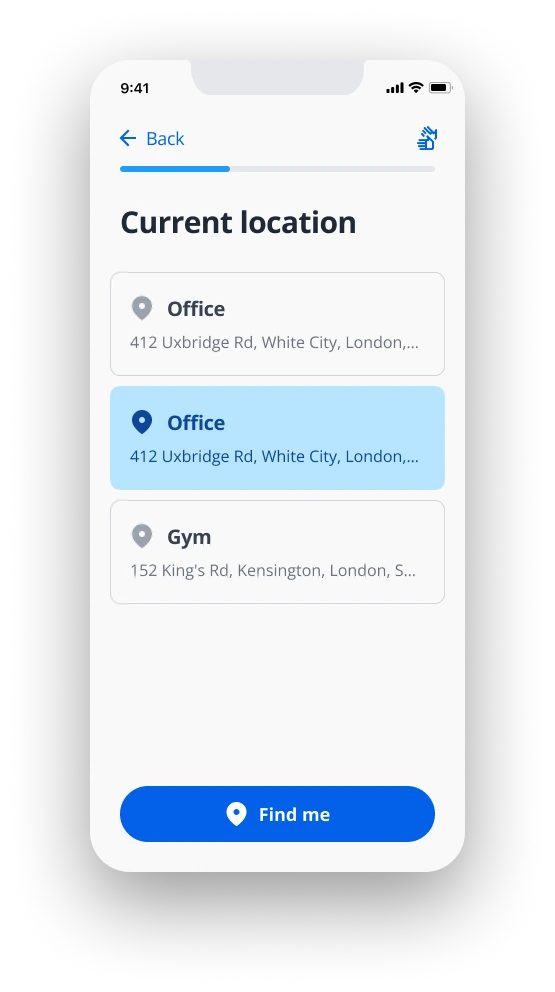
When an emergency happens, it comes down to fast & easy selection of only 3 possible variables: the emergency service, the current location, the distress reason.
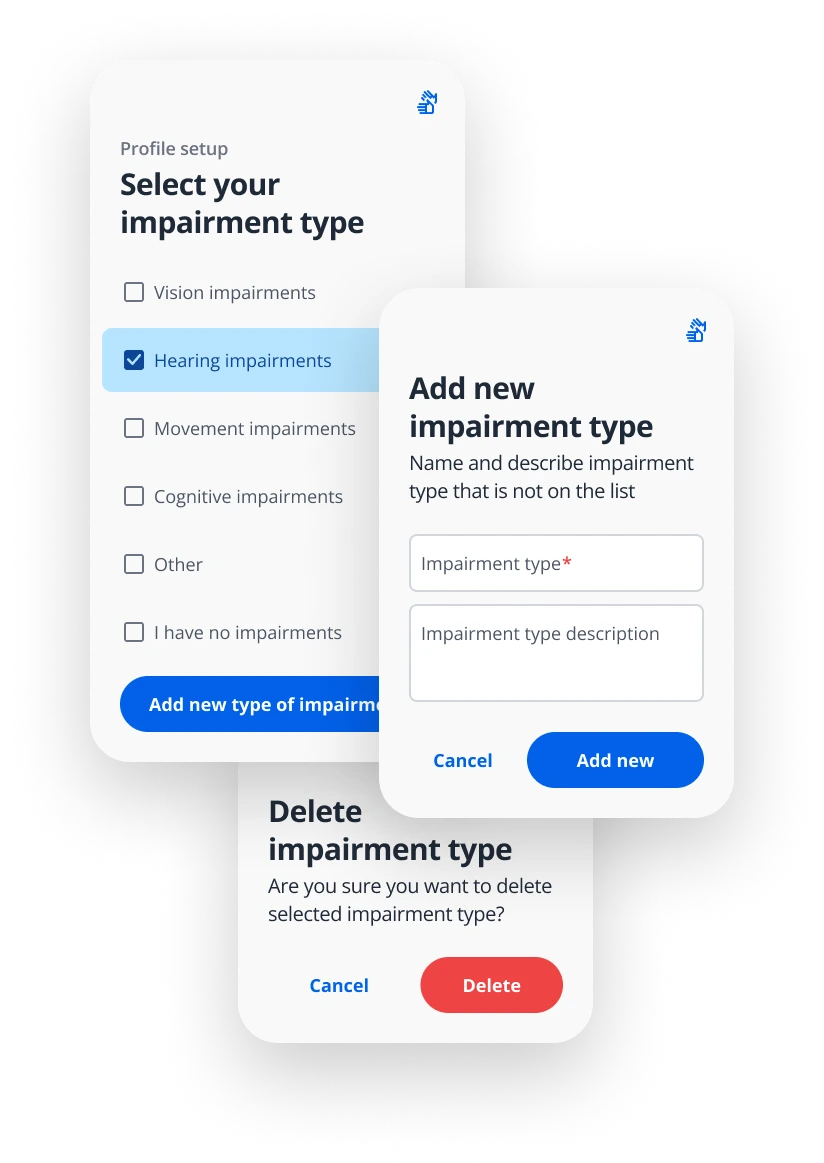
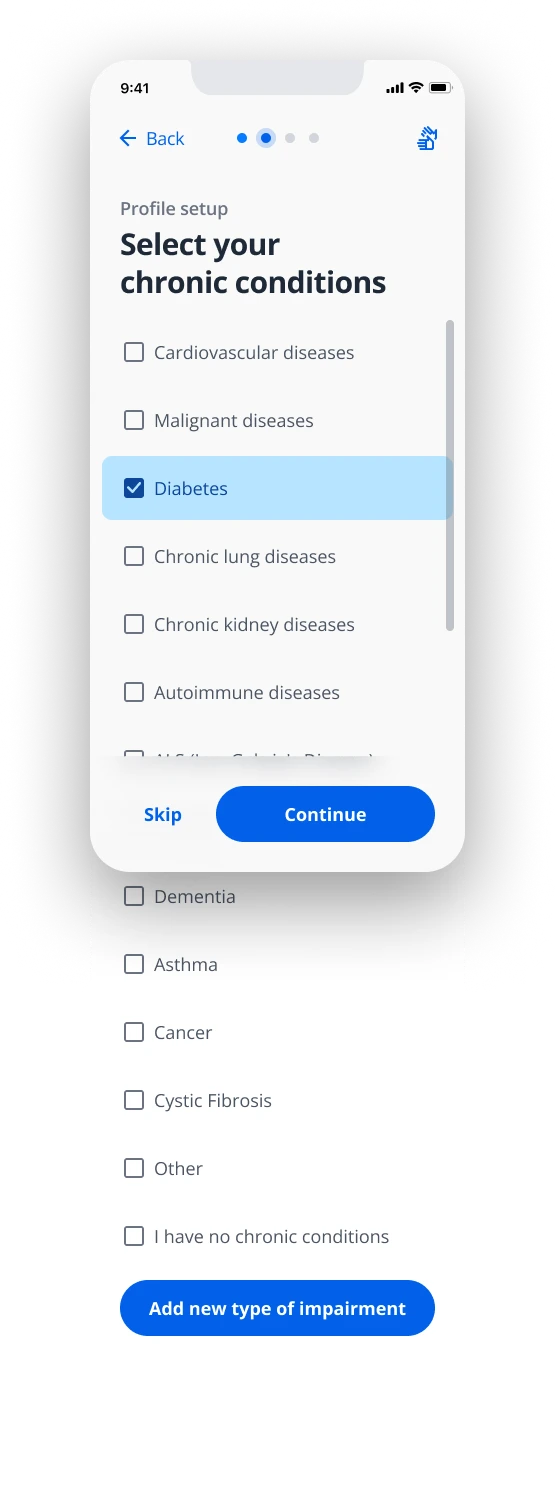
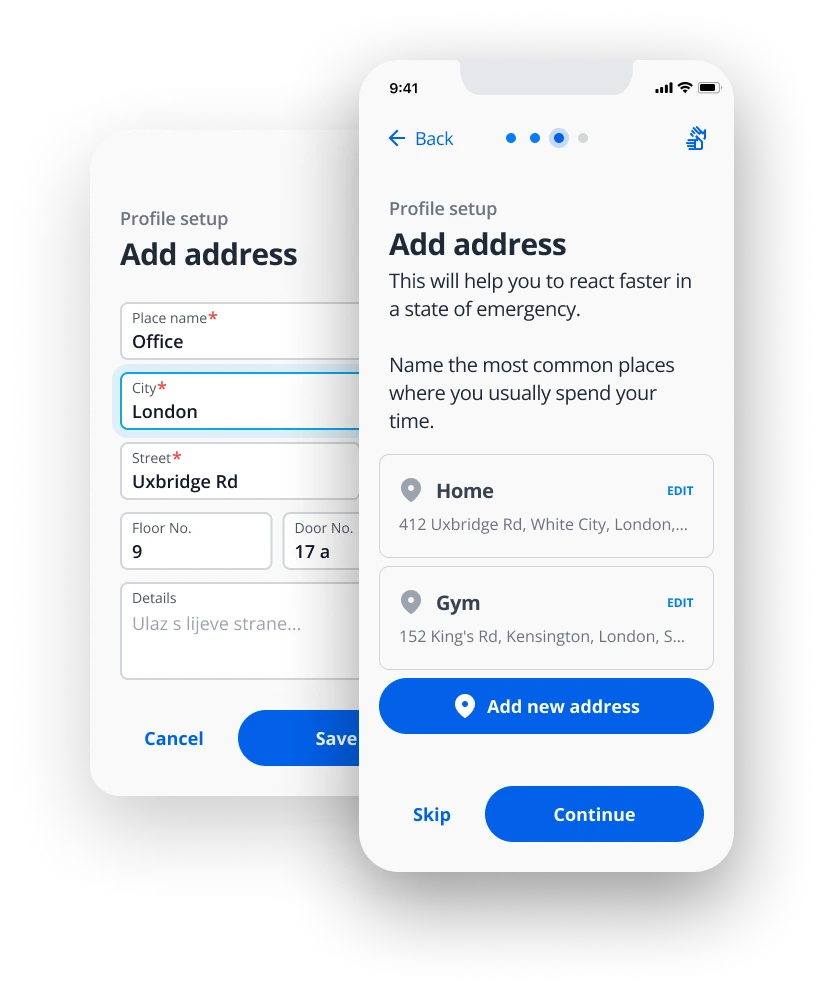
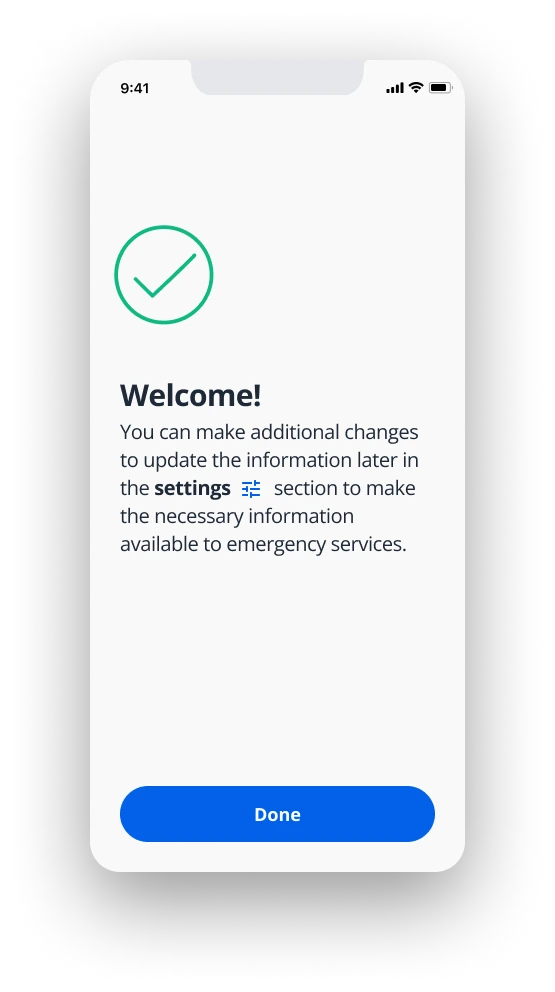
In the settings section users have the ability to edit everything from the profile setup regarding health, personal data, app theme, Android language selection.
Users will be notified with a popup notification if some data is skipped during the profile setup, and those items will be marked red in the settings menu.
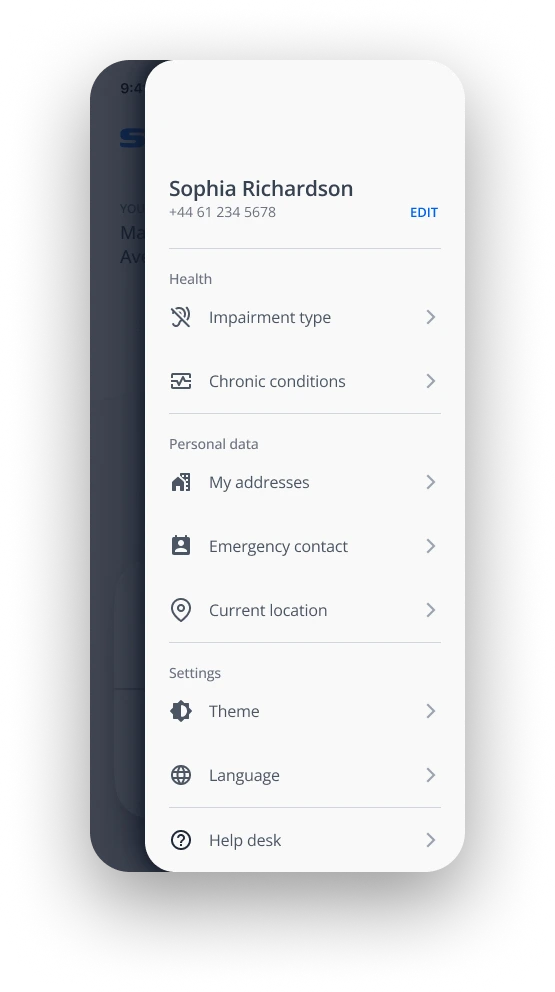
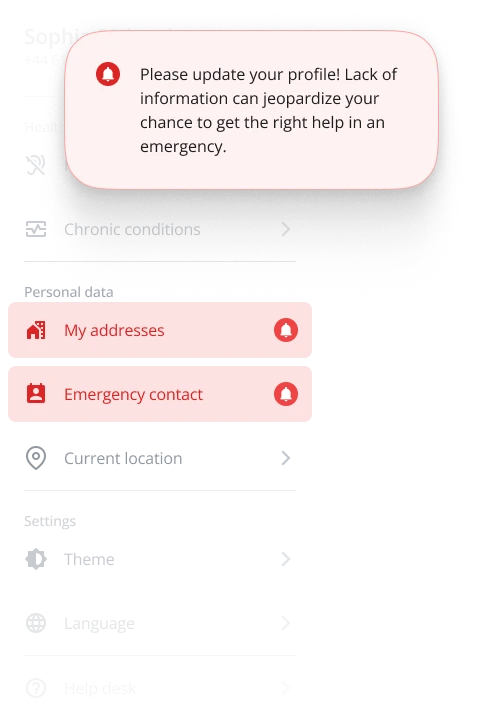
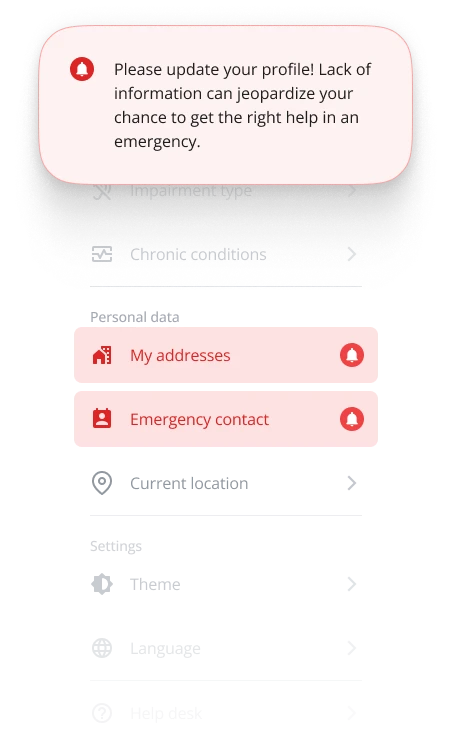
Previously entered data about medical conditions, personal details, and the usual locations are prerequisites to the successful and fast response of emergency services.
Fulfilling those prerequisites is highly useful but, it is also necessary to cover a lot of other situations:
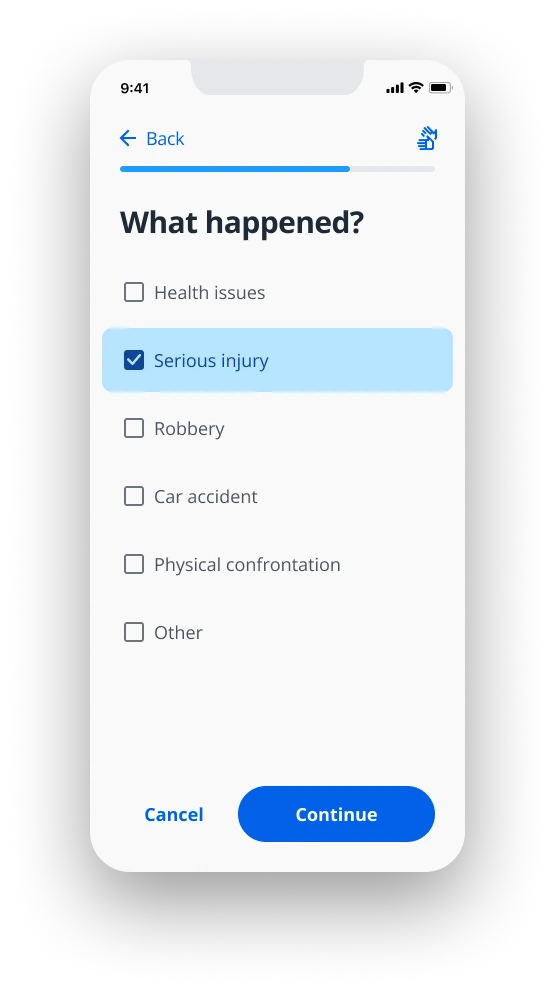
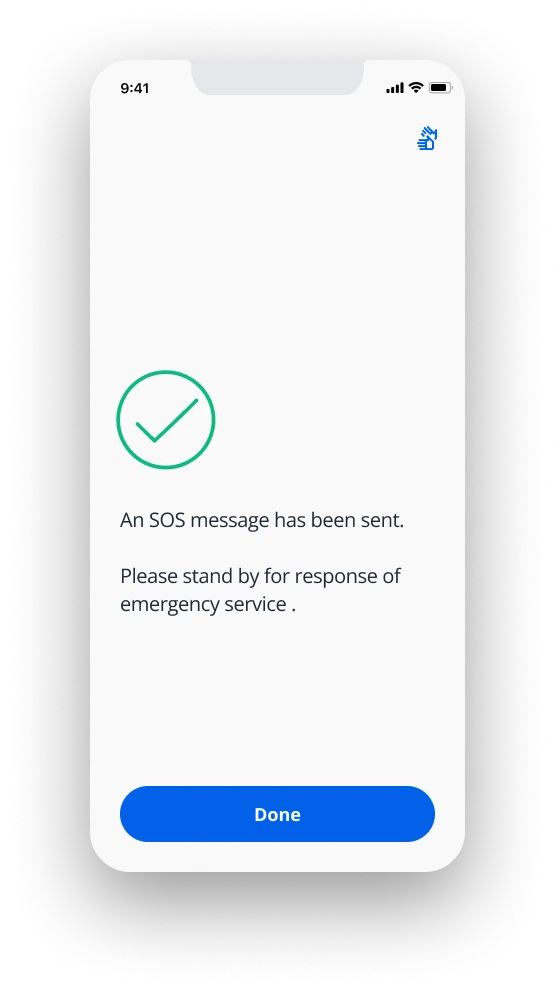
In a collaborative effort, we as an HTEC team managed to incorporate every request, meet every user need, and further work on pushing the SOS app in more counties.

Besides everything mentioned, we managed to add a little upgrade to emergency services and provide training in emergency situations to users within their association of people with special needs.