



Mobile app 4 Android & iOS

HTEC group project 2023

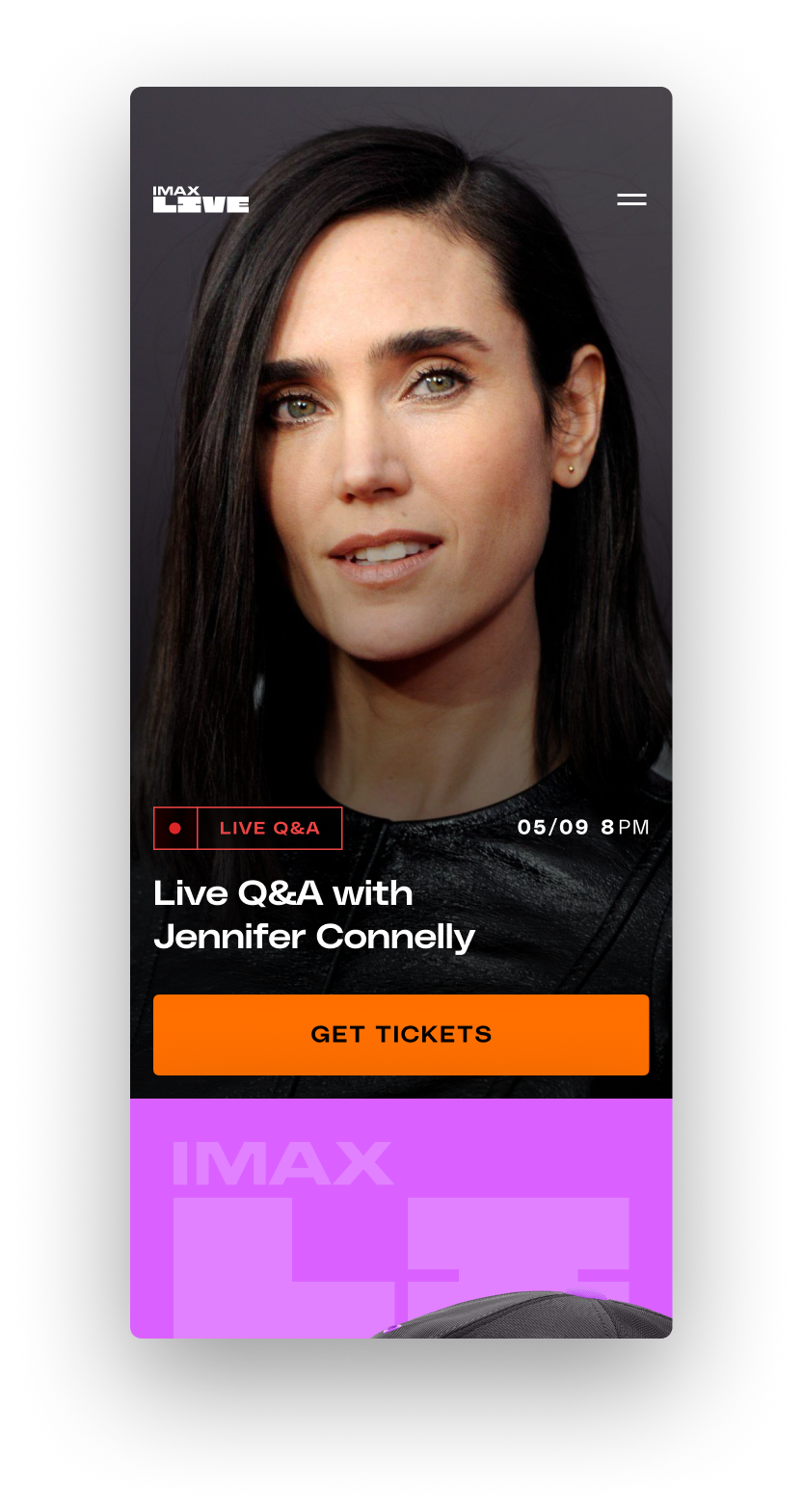
A dynamic blend of entertainment with the IMAX LIVE app, featuring live events where movie stars engage directly with the audience, news feed, articles, polls and trivia, and merchandise shop.

research user flows wireframe UX&UI design

challenge

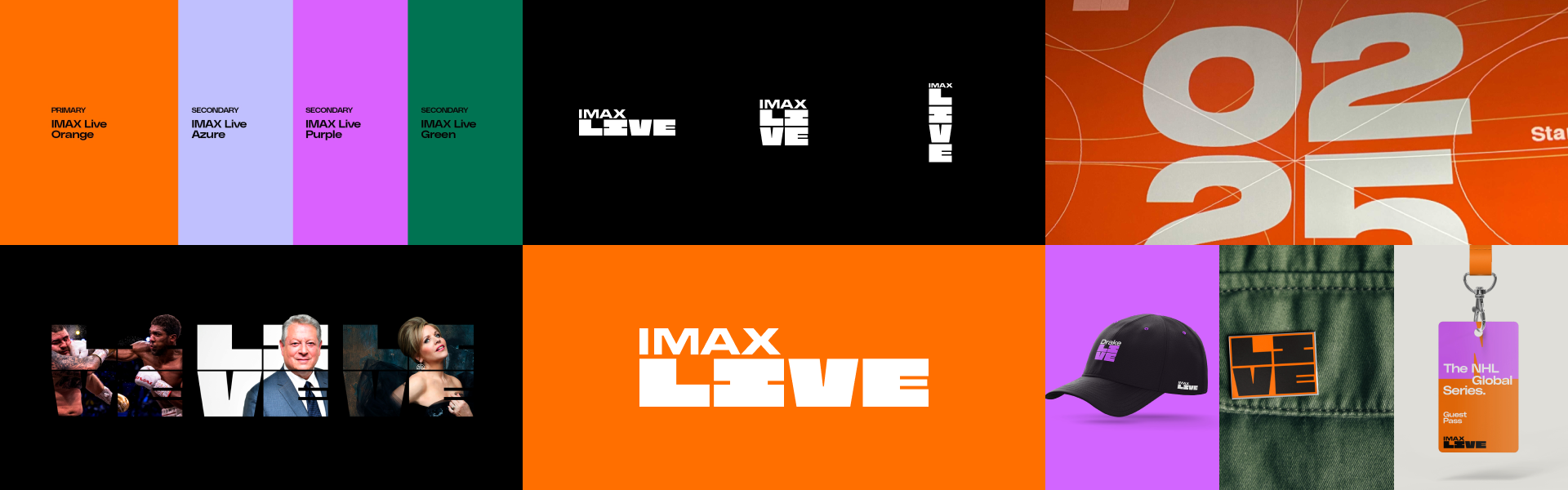
It is necessary to engage more with the IMAX audience inside and beyond the cinema and present their new services and offers using new, loud IMAX LIVE branding built by DixonBaxi.

There's a new breed of limited edition event filmed and screened in IMAX that reinvents the concept of venues by turning cinemas into arenas and stages, stadiums, lecture halls and much more.

It’s a true blend of entertainment and experience–an entirely new way for fans around the world to engage with their favourite visionaries. Each one-night-only event has a limited number of tickets making them as coveted as they are elusive.

The branding guidelines were built predominantly for print and marketing purposes. It needs an update to fit the needs of the UI design.

goals

Define a way to inform users about live events and facilitate interaction with renowned guests. Include media reveals, a shop, movie announcements, trivia, and polls.

Encapsulate everything in a truly immersive and simple app. Make an update to branding guidelines in collaboration with DixonBaxi staff and build a design system to fit the needs of the UI.

Primary Dark
Primary Light
Lilac Dark
Lilac Light
Purple Dark
Purple Light
Green Dark
Green Light

Color update & UI elements

Two shades were added for each color, and a few shades of gray to contrast the black background of UI.

Dark and light shades are necessary for the disabled state of buttons, elements that need to be toned down for visual hierarchy purposes, etc.

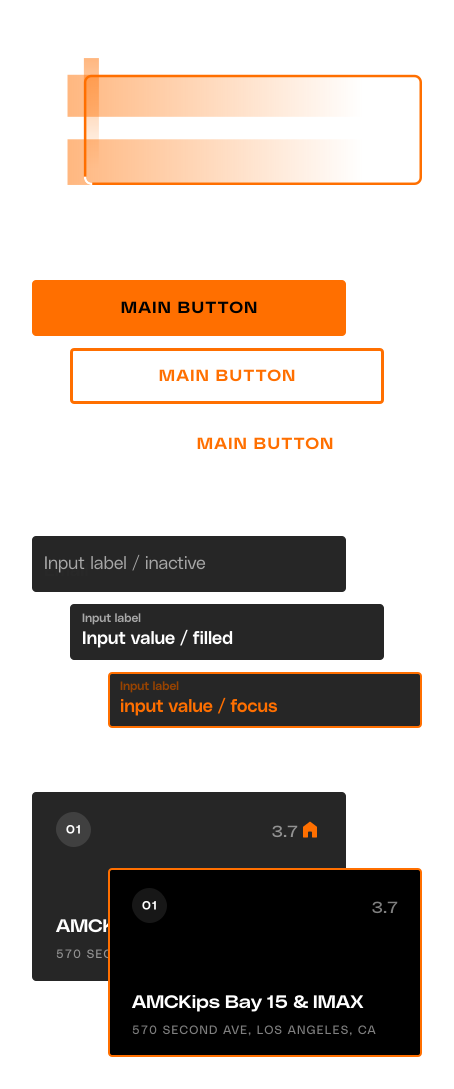
The usual content on this app is highly colorful, and the details are edgy and loud, so buttons tend to sink into the content. That also applies to tags, selections, inputs, and other elements.

That’s why the decision was made to make them rounded slightly and with a lot of white space. That gave those elements the necessary attention.
the process

Empathize
Domain Research
Market Research

Define
User interviews
Interview analysis

Ideate
User flows
Information architecture
Lo-Fi Sketches

Prototype
Hi-Fi design
Prototypeing

Validate
User testing
Analyzing feedback
Applying changes

basic information
architecture

research points

Main findings through user interviews and meetings with:

  • people with hearing and/or speaking impairments
  • employees at law enforcement,
  • public safety,
  • detectives,
  • ambulance,
  • firefighters,
  • telecommunication companies,
  • social workers,
  • psychologists, etc.

Users usually have one or a combination of more impairments with chronic sickness.

They grew up with their impairments, so those users are very crafty and resourceful.

Most people with speaking/hearing impairments who have been in a situation that would require the assistance of emergency services have had bad experiences.

On any sign of distress by default, they try to contact their interpreter (ASL translator) or personal assistant avoiding emergency services.

Human behavior in emergency situations is highly unpredictable, even for trained people. People freeze and panic unable to react.

Schools for people with hearing and speaking impairments are doing their absolute minimum to teach literature so legal or complex terms are challenging to grasp when reading.

The users usually avoid writing messages because they don't feel comfortable making a lot of grammar mistakes and it won't be understood the way they intended.

The ASL language contains letters of the alphabet but it's hard and impractical to form the words using this method.

People usually use the whole upper body and with just a couple of coordinated moves of hands and facial expressions, they are able to form and convey a complete sentence.

structure

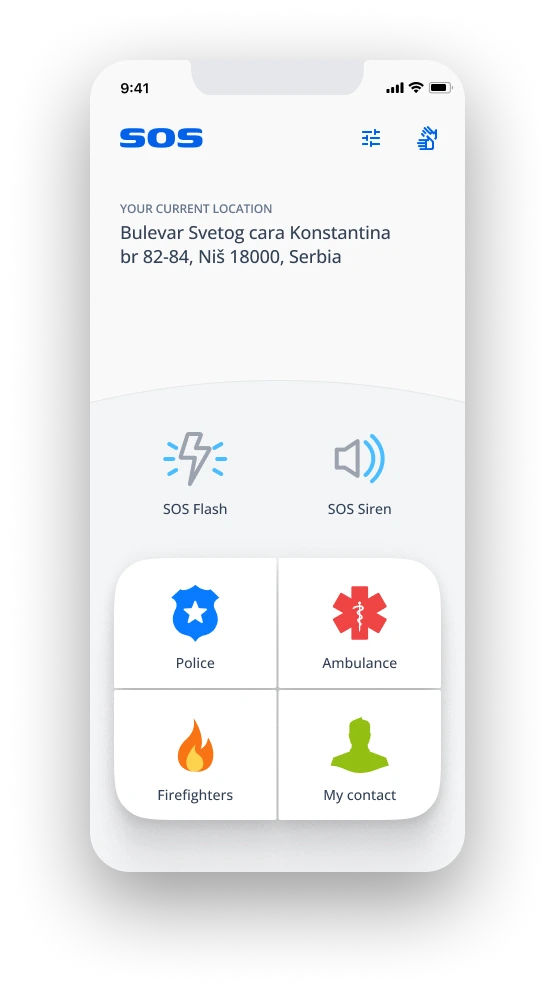
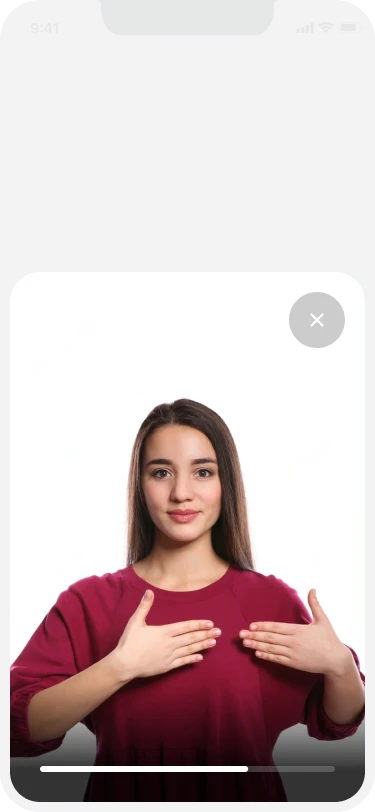
Every function important for fast reaction and easy reach is positioned on the bottom half of the screen, and of course, everything is neatly translated into ASL using short videos.

final product

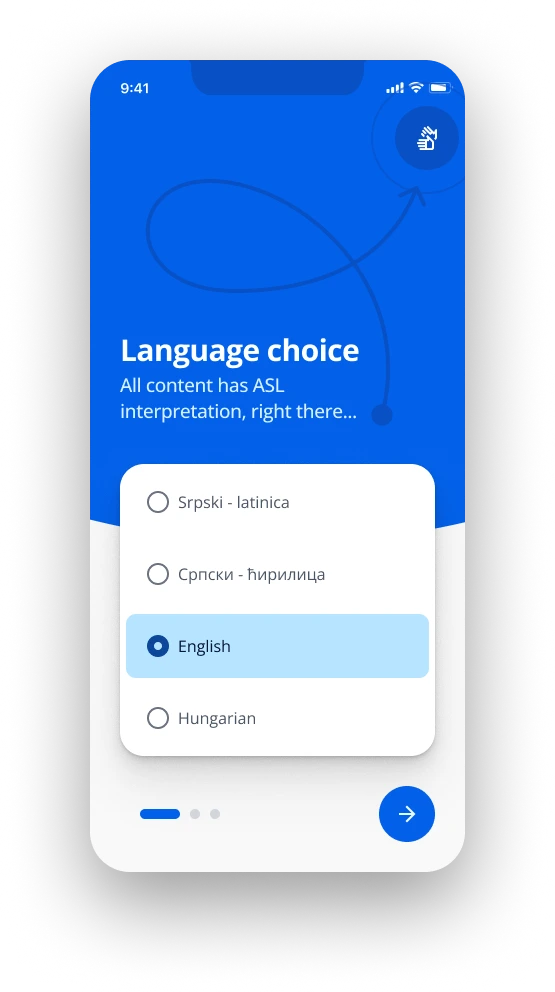
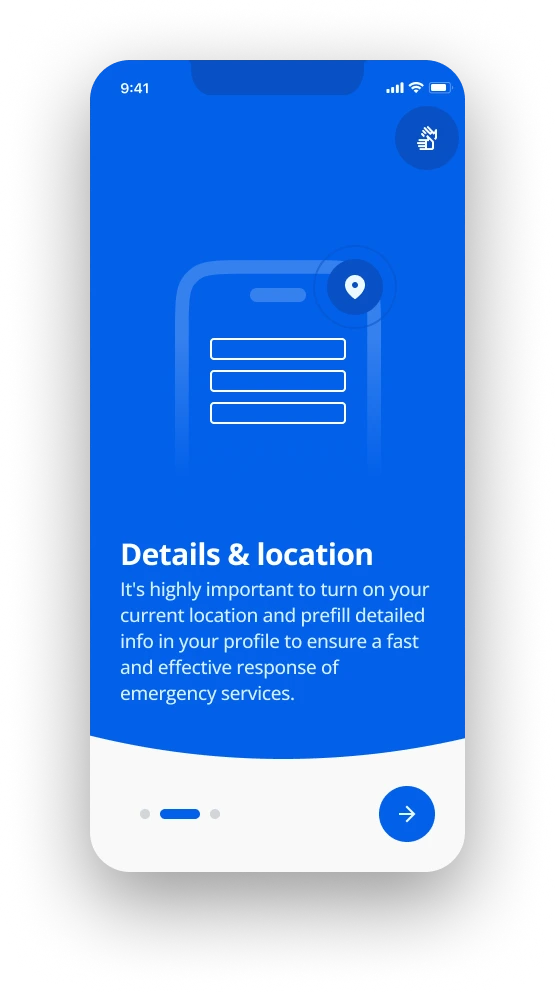
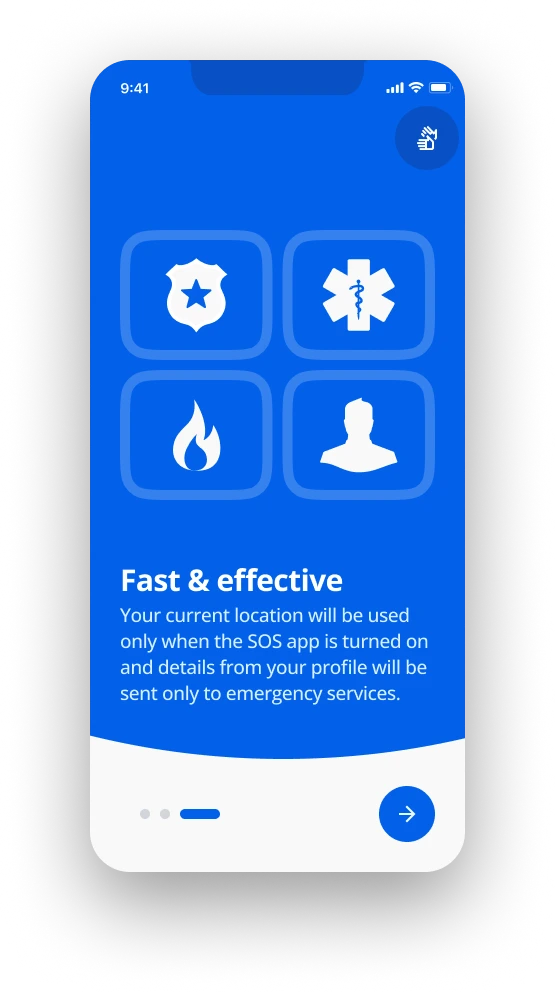
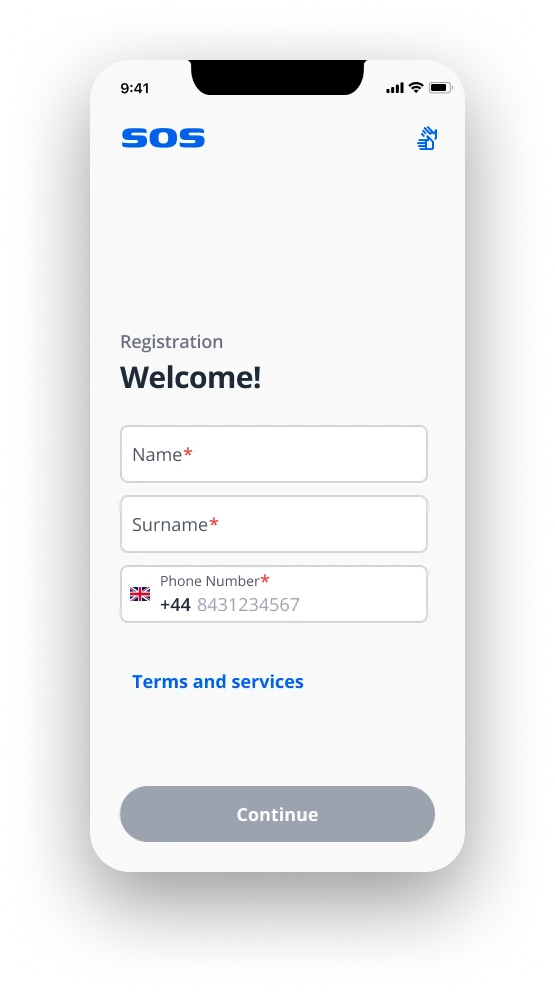
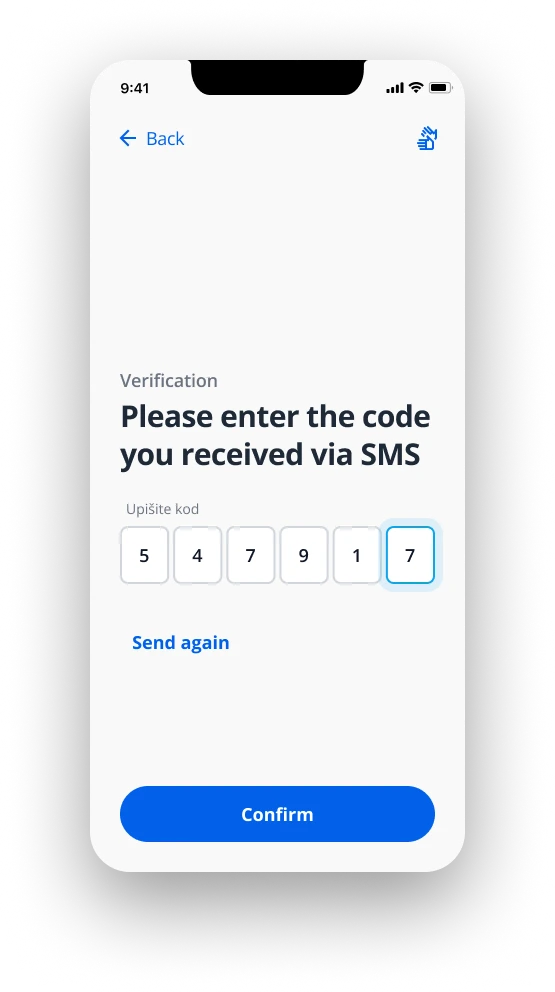
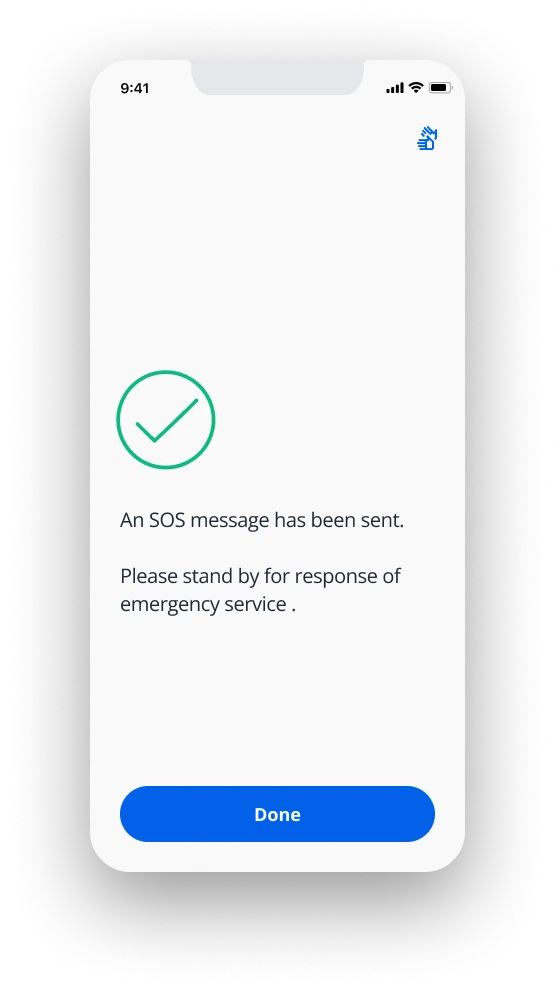
The SOS app is composed of a few main sections: onboarding & language choice, registration & validation, profile setup, settings, and sending an SOS to emergency service of the user's needs.

splash screen

onboarding


registration

verification

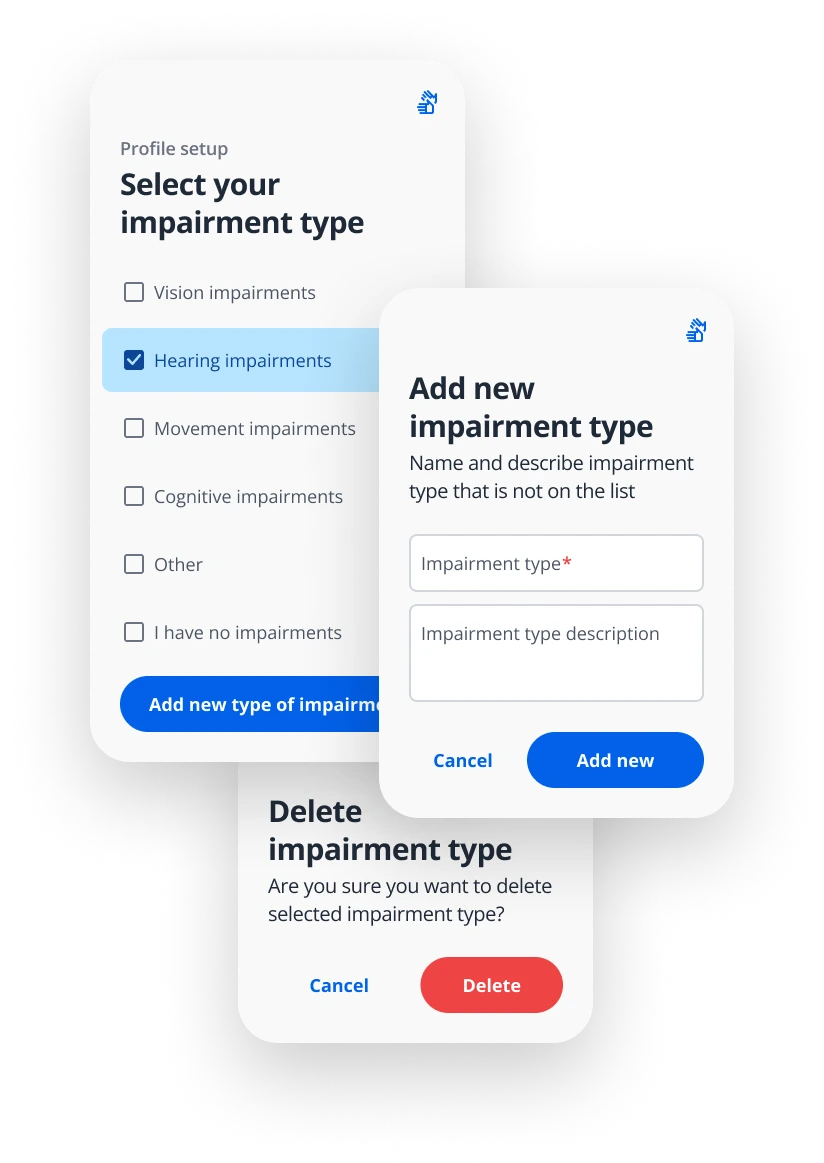
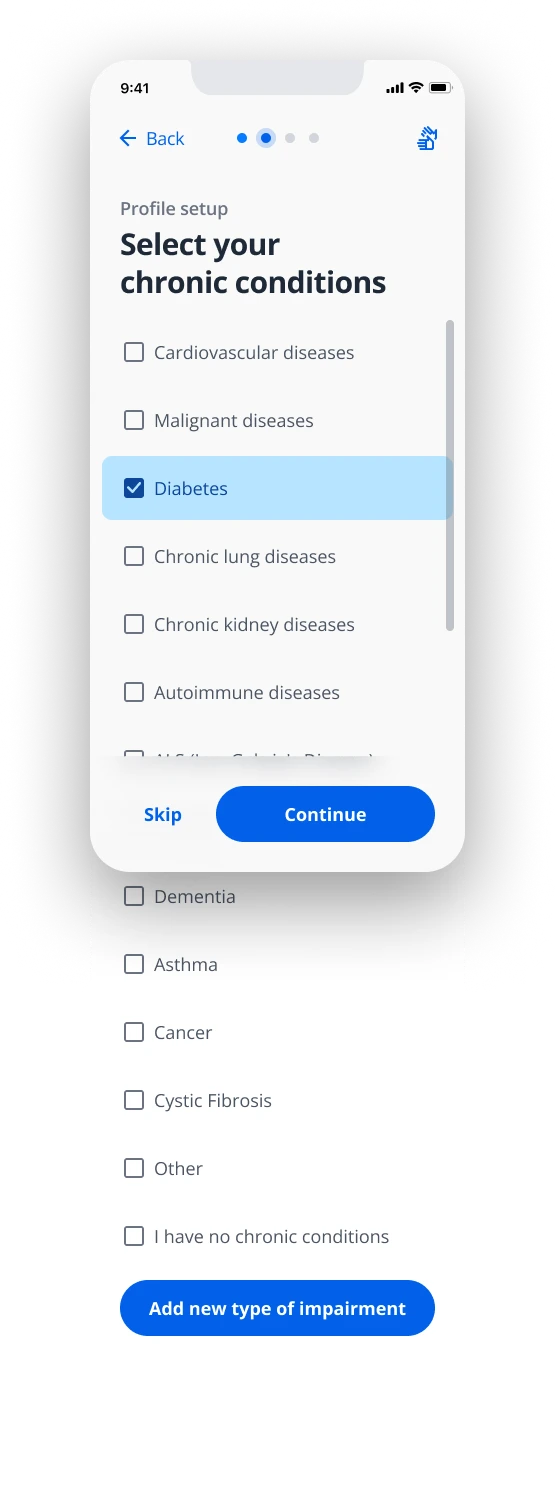
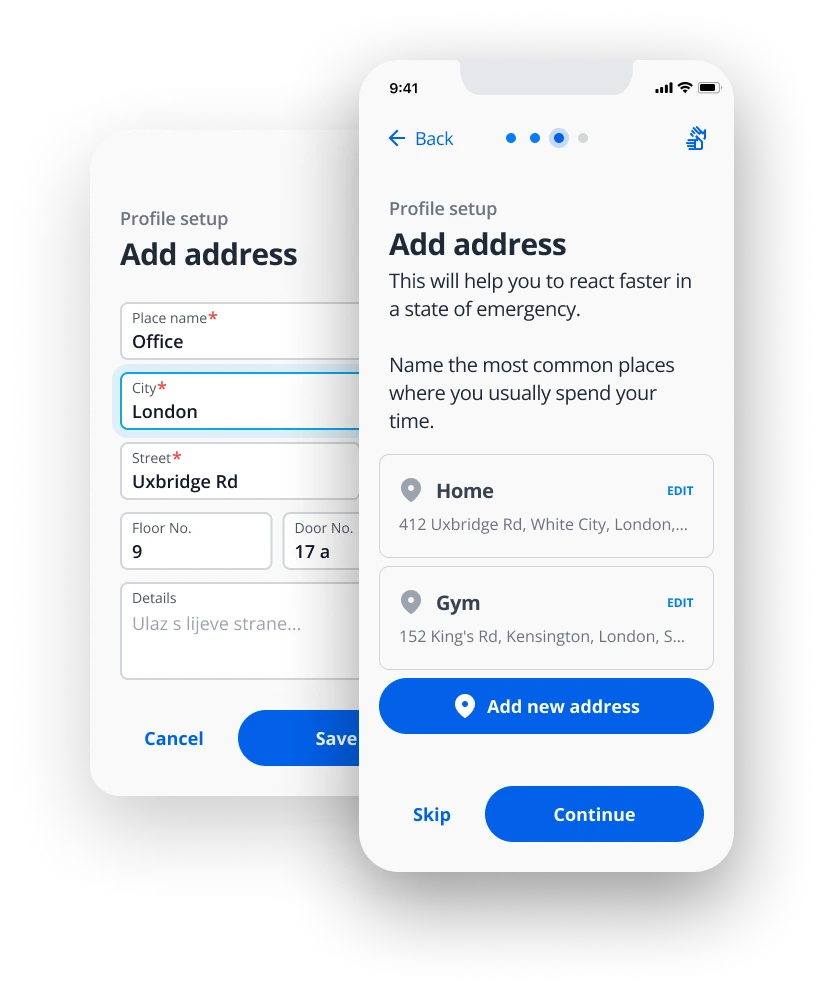
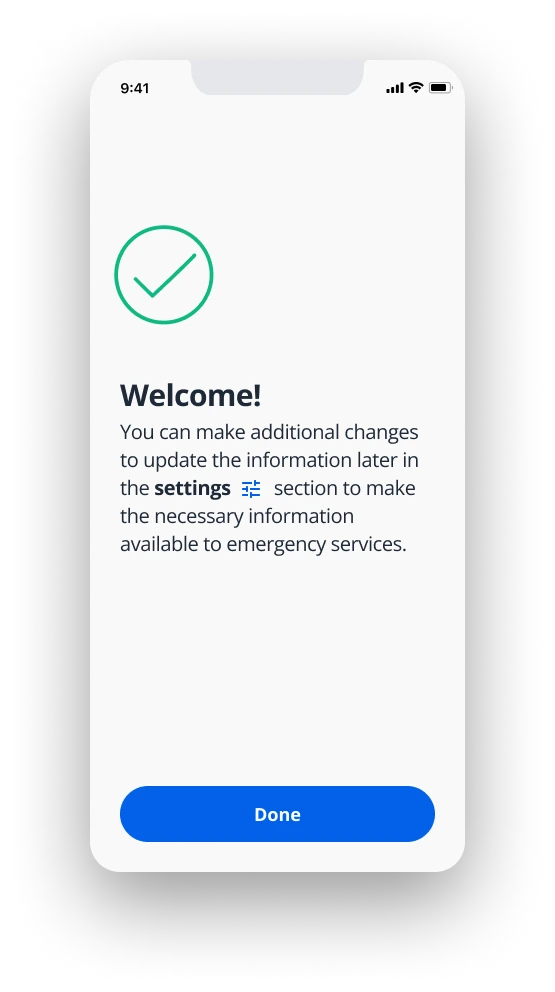
profile setup

The point of the profile setup is to pre-fill all the answers that the user would be answering to the emergency services on a regular phone-call.

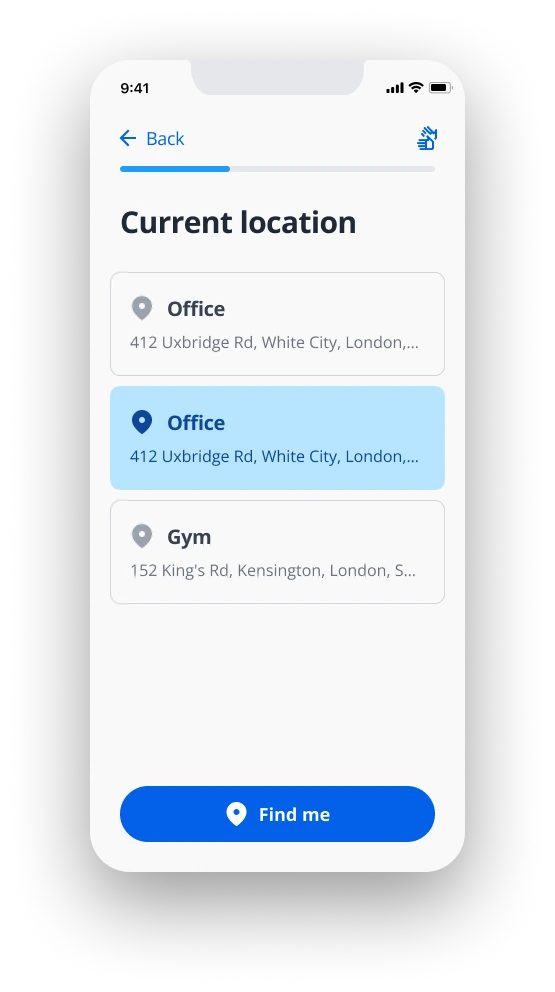
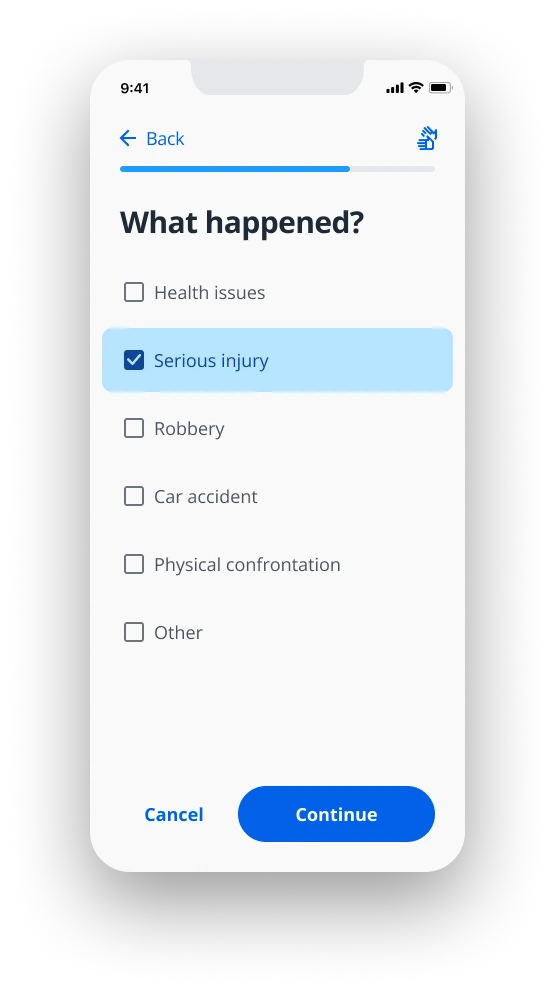
When an emergency happens, it comes down to fast & easy selection of only 3 possible variables: the emergency service, the current location, the distress reason.

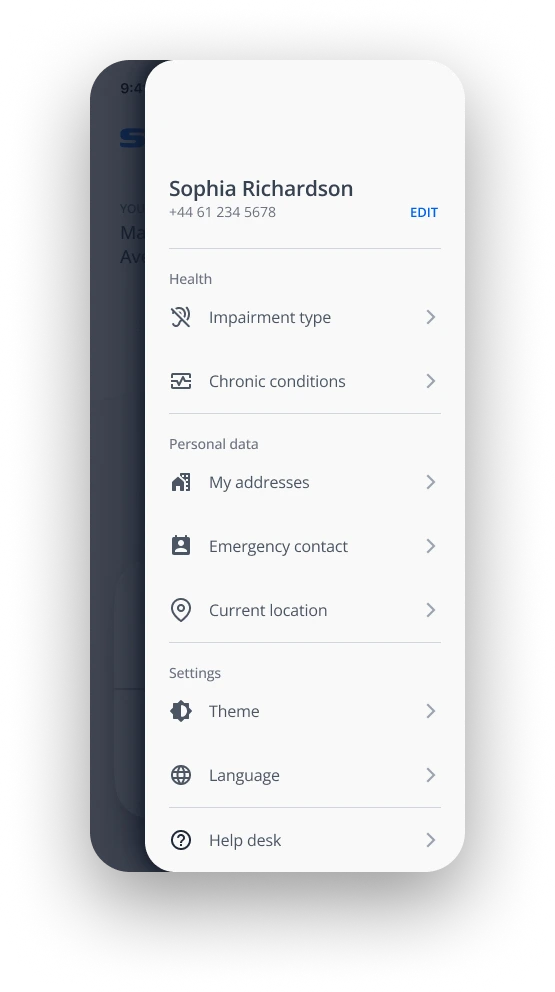
user settings

In the settings section users have the ability to edit everything from the profile setup regarding health, personal data, app theme, Android language selection.

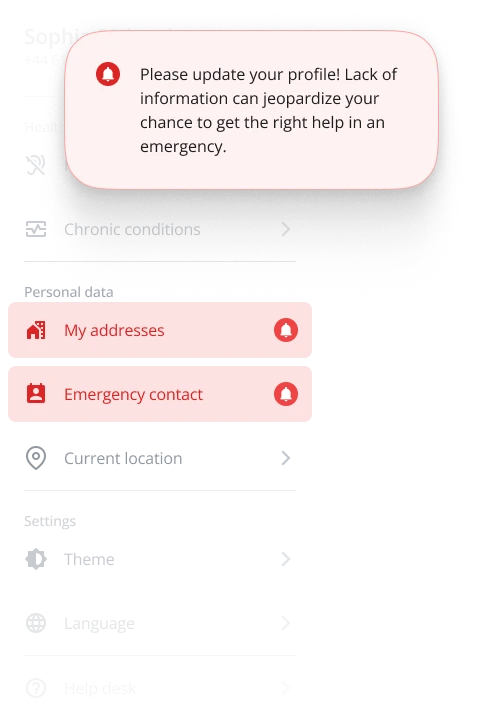
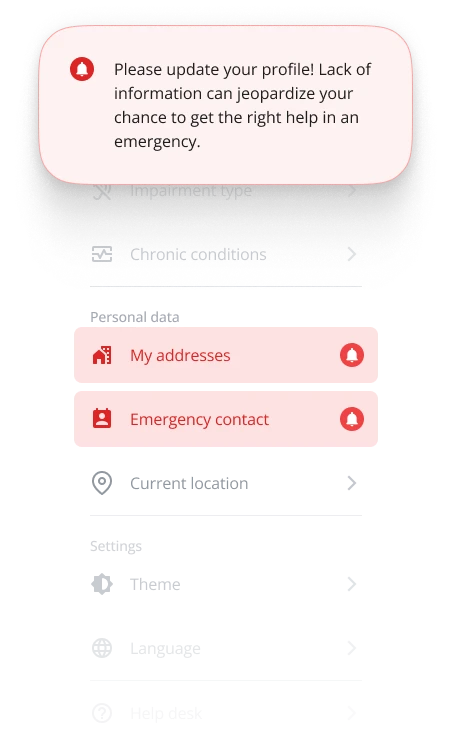
Users will be notified with a popup notification if some data is skipped during the profile setup, and those items will be marked red in the settings menu.

sending emergency message

Previously entered data about medical conditions, personal details, and the usual locations are prerequisites to the successful and fast response of emergency services.

Fulfilling those prerequisites is highly useful but, it is also necessary to cover a lot of other situations:

  • Pressing the "find me" button will approximate the address and send exact coordinates with it.
  • When the user is on the move, the app will detect motion and send updated coordinates accordingly.
  • The "What happened" step is extremely shortened and the selection is optimized according to the emergency service choice
  • There are also options for an SOS siren and an SOS flashlight.
  • The place for the current address is also used to notify the user about any issue with the device connectivity (WiFi, LTE, Location)

outcomes

In a collaborative effort, we as an HTEC team managed to incorporate every request, meet every user need, and further work on pushing the SOS app in more counties.

Besides everything mentioned, we managed to add a little upgrade to emergency services and provide training in emergency situations to users within their association of people with special needs.